Twitter font generator – Stylish Fonts for Tweets
Generate stylish, cool, and unique Unicode fonts for your Twitter/X profile name, bio, tweets, and display name. Copy and paste from 150+ fancy text styles instantly. Free, fast, and easy to use.
Click any font style below to copy it, then paste it into your Twitter name, bio or tweet.
Tweets have a hard character limit, so the small text generator helps when a style pushes you over it, and the emoji keyboard says in one character what a long word would.
Twitter Font Generator
Twitter gives you no formatting controls – no bold button, no italics, no font picker. This tool works around that by converting your text into Unicode characters that already look styled. They are ordinary characters, the same way é or ¥ are, so they survive being pasted into your display name, your bio or a tweet.
How to use this tool
- Type or paste your text into the box at the top of this page.
- Wait a moment while the styles regenerate – every style below updates to show your own words, not a sample.
- Scroll the styles and find one you like. They are grouped by family, so cursive styles sit together, bold styles sit together, and so on.
- Click a style to copy it. Only the styled text is copied; the label stays behind.
- Paste it into Twitter. Open your profile, tap Edit profile, and paste into the Name or Bio field – or paste straight into the compose box for a tweet.
- Check it before you save. Look at the result on your phone as well as your desktop; a style that renders on one may not render on the other.
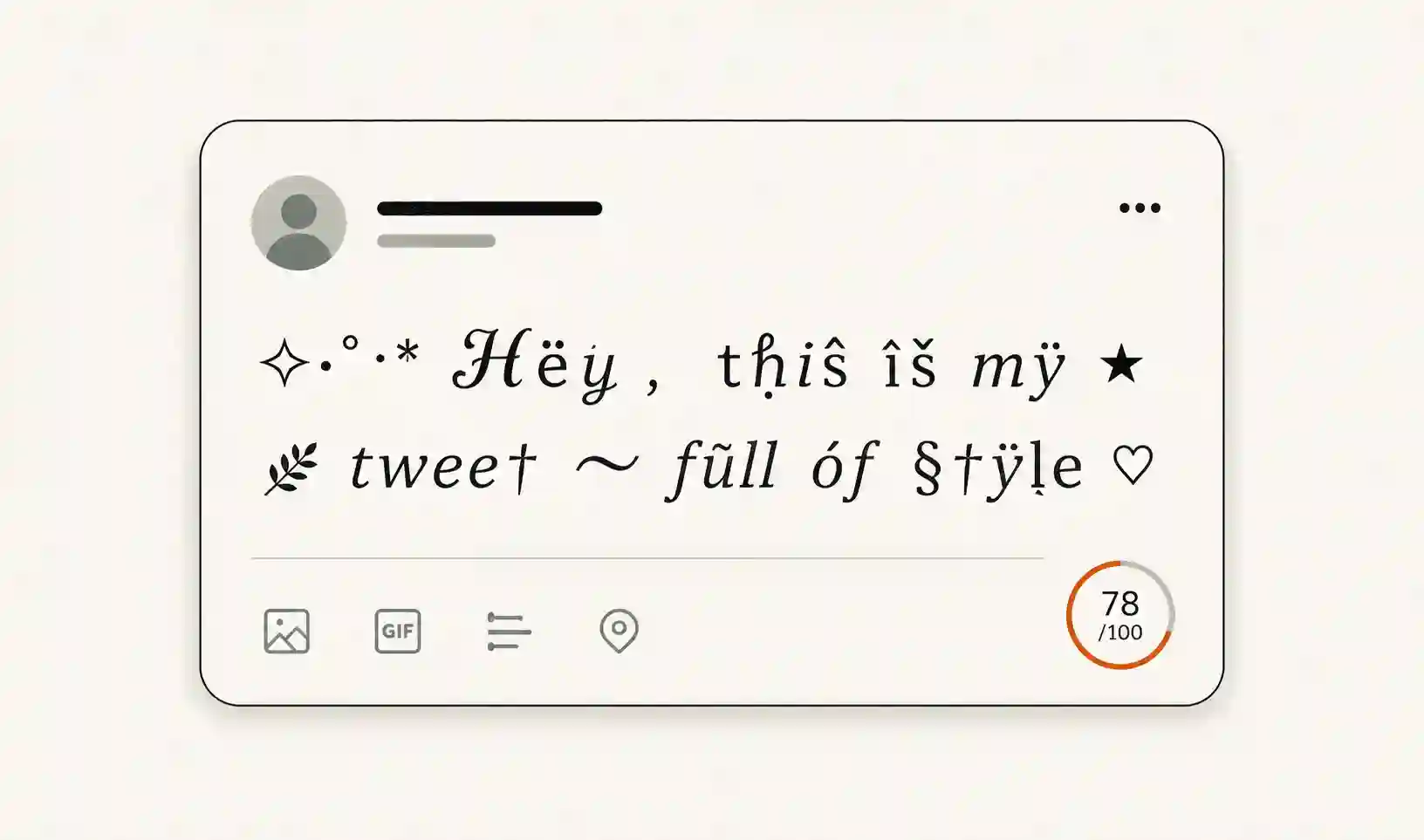
Where the styled text works on Twitter
- Display name – works, 50 characters.
- Bio – works, 160 characters.
- Tweets and replies – works, 280 characters on a free account.
- @username – does not work. The handle field accepts only letters, numbers and the underscore, so nothing you paste there will save. Style the display name instead; the two are separate fields.
Styled characters use up your character limit twice as fast
This is the part that catches people out. Twitter does not count every character as one. Its counting rule gives basic Latin and a short list of punctuation a weight of one, and gives everything else a weight of two – and styled Unicode letters are in the “everything else” group. So a 280-character tweet written entirely in a fancy style runs out at roughly 140 visible letters, and a 50-character display name holds about 25.
That is not a bug in the generator and there is no way around it. It is worth knowing before you write a long tweet and find the counter already red.
Things worth knowing before you style your profile
- Search will not match it. To a search box, 𝕏𝕖𝕔𝕌 and Jamie are different strings. If people look you up by name, keep the name plain and put the styling in the bio.
- Screen readers handle it badly. Some spell the characters out one at a time, others skip them entirely. A whole bio in styled text is unreadable to anyone using one.
- Some styles show as empty boxes. That is the reading device missing a glyph, not the text being broken. Bold and italic sans have the widest support; fraktur, script and the enclosed styles are the likeliest to be missing.
- Use it sparingly. One styled line in a bio reads as a design choice. Six of them read as a broken profile.
Is it safe to paste this into my profile?
Yes. These are standard Unicode characters, not a script or a font file, and nothing is installed on your device or your account. The conversion happens in your browser, so the text you type is not stored here. Twitter treats the result as ordinary text.
Want a different look? The font generator runs the same text through the full set of styles, the bold text generator covers bold on its own, and the Instagram font generator is the same idea sized for a 150-character Instagram bio.