ASCII Art Generator – Convert Text to ASCII Art Online
Transform any text into stunning ASCII art with multiple font styles. Perfect for Discord, Reddit, terminal profiles, and creative projects. Free & instant.
All Styles Block Banner Shadow Mini
✨ Also try: Single-Line Fancy Text Styles
For chat-friendly "ASCII-look" text that works in a single line on any platform:
Banner-sized letters come from the text art collection, the text to ascii converter is the tool for codes rather than pictures, and the word cloud generator arranges a whole passage into a shape.
ASCII Art Generator – Create Stunning Text-Based Art Online
What Is an ASCII Art Generator?
An ASCII art generator is a tool that turns regular text or pictures into cool designs using keyboard characters. Instead of pixels, ASCII art uses letters, numbers, and symbols to make pictures. Want a fancy username? A unique Discord message? Or pretty code comments? An ASCII art generator makes it quick and easy.
ASCII art has been around since the early days of computers. Back then, screens could only show text. Today, people still love it in coding communities, retro games, and on social media. Why? Because it looks old-school and doesn't take up much space.
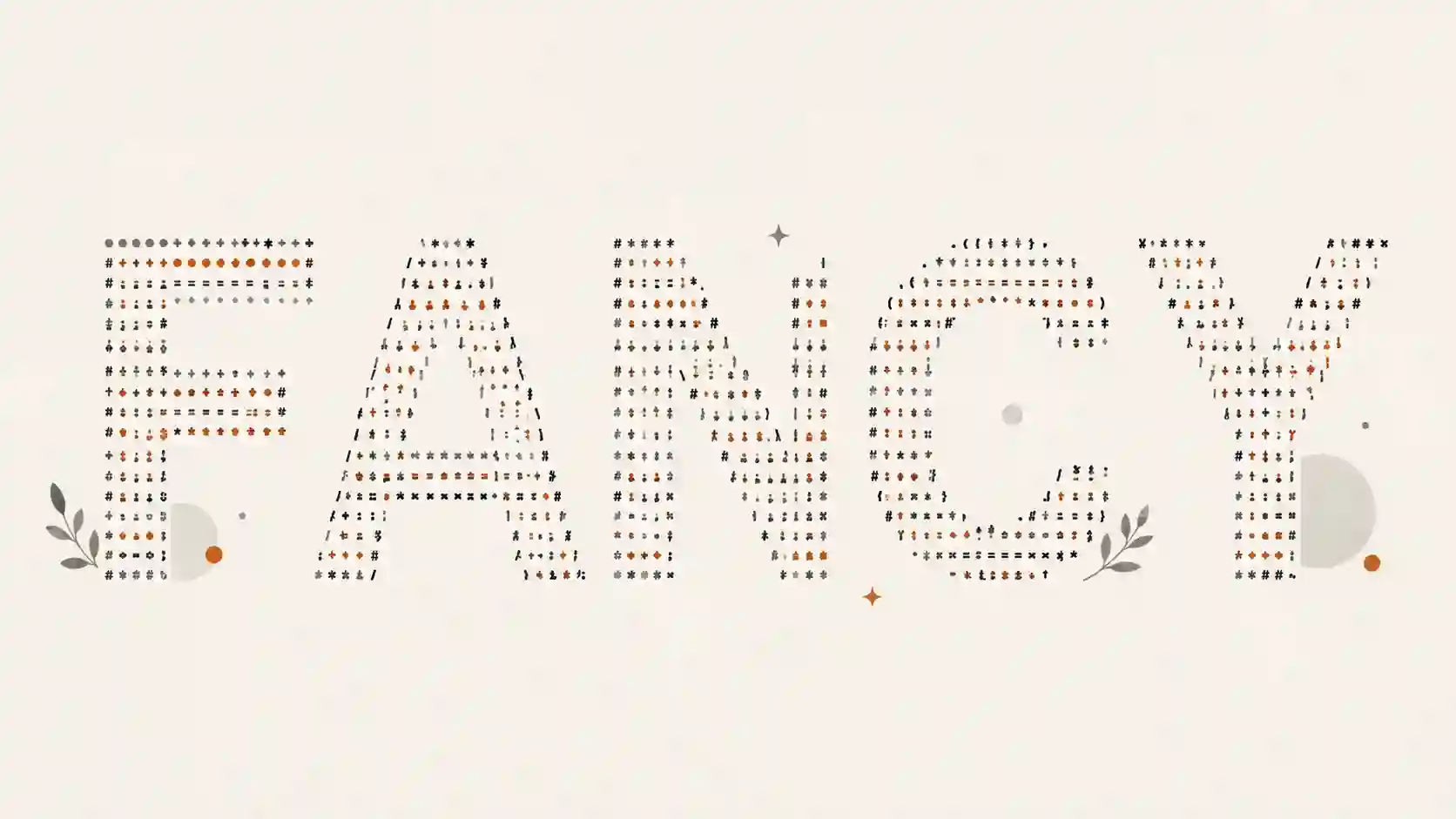
What Is ASCII Art?
ASCII art is text-based art made with characters from the ASCII set. By arranging symbols like #, @, *, /, and letters carefully, you can make anything from simple logos to detailed drawings.
Unlike images, ASCII text art works almost anywhere text appears:
- Terminal windows
- Discord messages
- GitHub files
- Programming projects
- Text editors
- Forums and chat apps
Because it's just text, ASCII art is simple to copy, paste, and share.
How to Create ASCII Art
Making ASCII art is easier than you think. Here's how:
- Find an ASCII art generator online.
- Type the text you want to change.
- Pick a font or style.
- Look at the preview of your design.
- Copy and paste the ASCII art where you need it.
Many modern tools can even turn pictures into ASCII art. You can adjust how dense the characters are, change brightness, and set the width.
Best Uses for ASCII Text Art
ASCII art is more useful than you might think. People use it for:
- Decorative headers in coding projects
- GitHub profile pages
- Discord server announcements
- Terminal welcome screens
- Retro digital art
- Text-based memes
- Creative social media posts
- Programming tutorials
Since it doesn't need image files, ASCII art loads fast and works on almost every device.
ASCII Art vs Unicode Art
They might look similar, but ASCII art and Unicode art are different.
ASCII art uses only the standard 128 characters. This means it works on almost every computer system and programming language.
Unicode art uses thousands of extra symbols, emojis, and special characters. It can look more detailed, but might not show up right on older systems.
For the best compatibility, stick with traditional ASCII art.
Advanced ASCII Art Techniques
Once you get the hang of basics, try these tricks:
- Change character density for shading effects.
- Use monospaced fonts so everything lines up.
- Turn grayscale pictures into ASCII art.
- Mix different character sets for more realistic looks.
- Play with spacing and line breaks to add detail.
Pro ASCII artists often spend hours perfecting large text pictures. That just goes to show it's both a technical and creative skill.
Why ASCII Art Is Still Popular
Even with fancy graphics today, ASCII art stays popular because it's simple and charming. Developers use it in code, gamers put it in terminal interfaces, and online communities love sharing creative text designs.
Its connection to early computer art history gives it that nostalgic feel. That's why it remains a part of internet and coding culture.
Final Thoughts
An ASCII art generator is the simplest way to make cool text art without placing each character by hand. Whether you're making headers for GitHub, creating art for Discord, following a tutorial, or just exploring retro digital art, these tools make text-based design accessible to everyone.
Start trying it out today. Experiment with different styles. See how normal keyboard characters can become amazing digital art. Really.